SkyWeb Support Team
Sep 18, 2025
5 min read
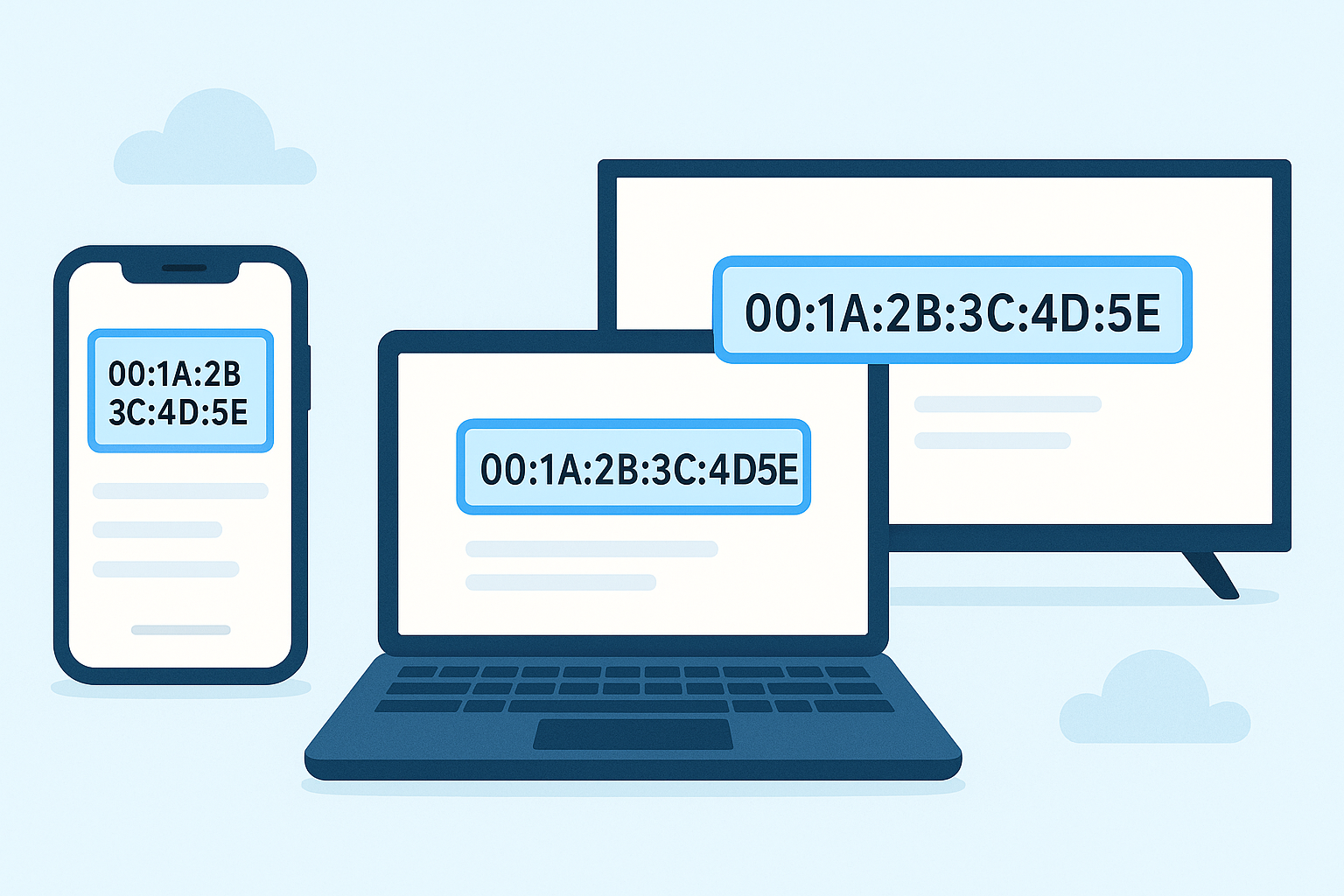
Finding your device's MAC address is essential for connecting to SkyWeb Wi-Fi securely and efficiently. Every device has a unique MAC address that identifies it on a network.
Finding MAC Address on Smartphones
For iOS devices:
- Go to Settings → General → About
- Scroll down to Wi-Fi Address to see the MAC
For Android devices:
- Go to Settings → About Phone → Status → Wi-Fi MAC Address
Finding MAC Address on Computers
For Windows:
- Open Command Prompt and type <code>getmac</code>
- Your Wi-Fi adapter MAC address will be displayed
For macOS:
- Go to System Preferences → Network → Advanced → Wi-Fi
- The MAC address is listed as "Wi-Fi Address"
Other Devices
Smart TVs, gaming consoles, and IoT devices often display the MAC address in network settings. Always check the device manual if needed.
Why It Matters
"Using the correct MAC address ensures a smooth connection, improves security, and helps manage devices on SkyWeb Wi-Fi."