SkyWeb Support Team
Sep 12, 2025
6 min read
Even with the best Wi-Fi setup, issues may arise. Here’s a guide to troubleshoot common SkyWeb Wi-Fi problems.
Slow Wi-Fi
- Check for devices consuming high bandwidth
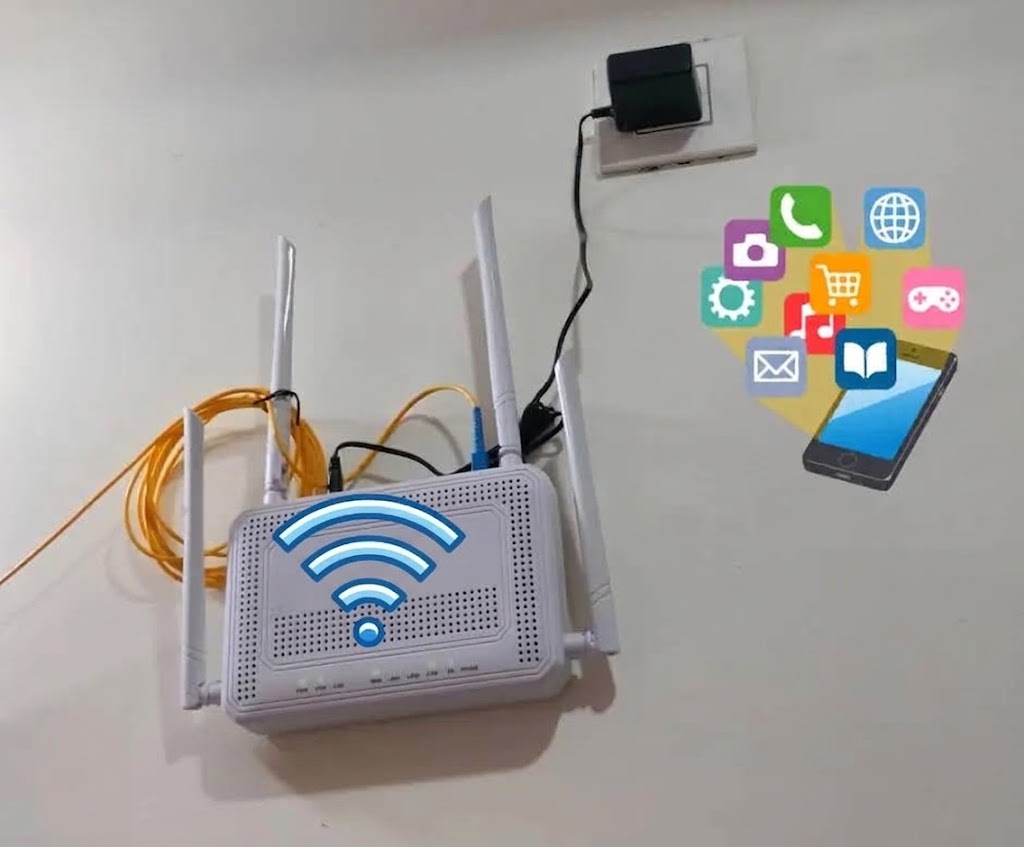
- Restart your router to refresh connections
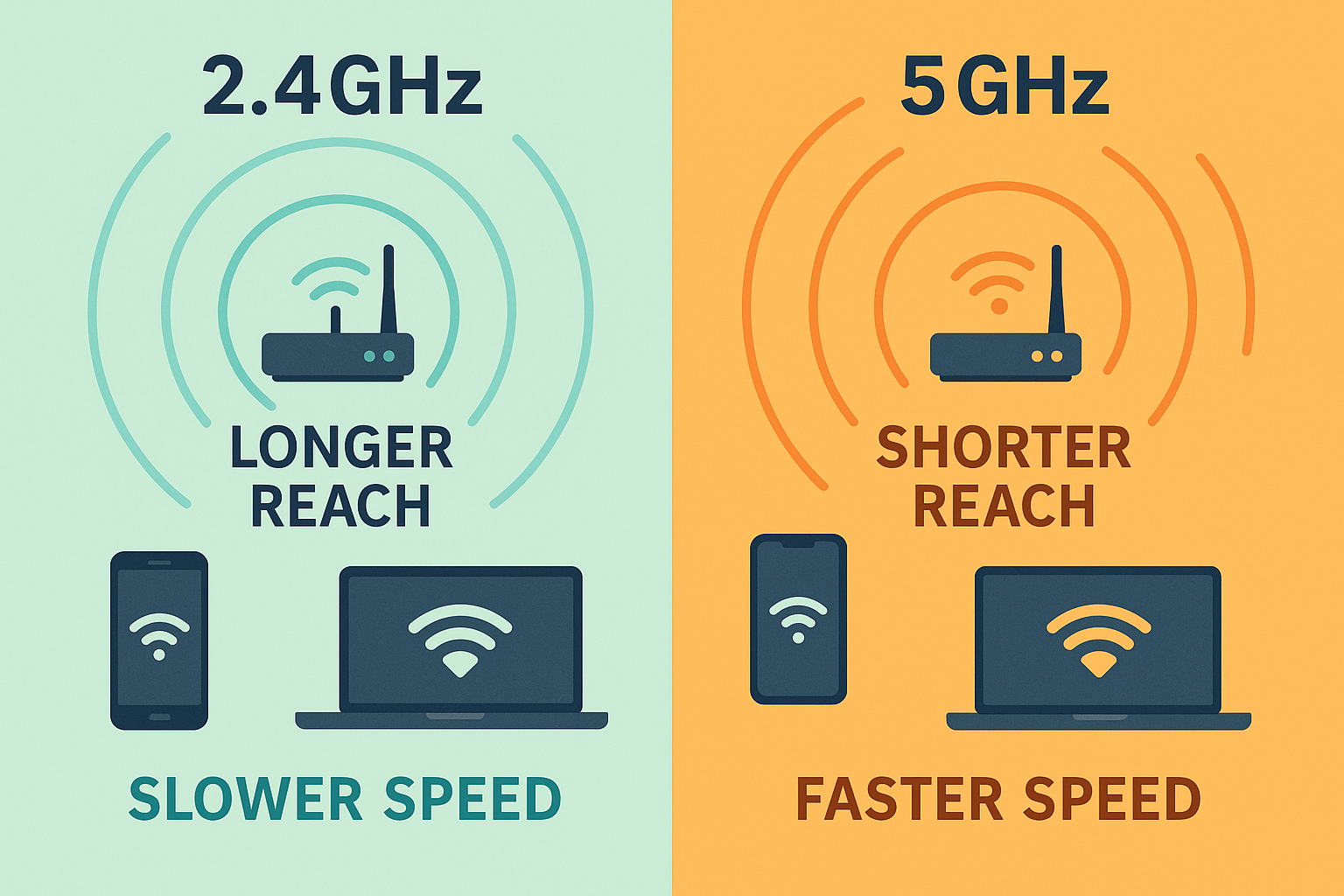
- Ensure you are connected to the optimal frequency band
Dropped Connections
- Move closer to the router for better signal
- Check for firmware updates
- Reset network settings on the device
Device Compatibility
- Confirm your device supports the Wi-Fi frequency
- Use correct security protocols (WPA2/WPA3)
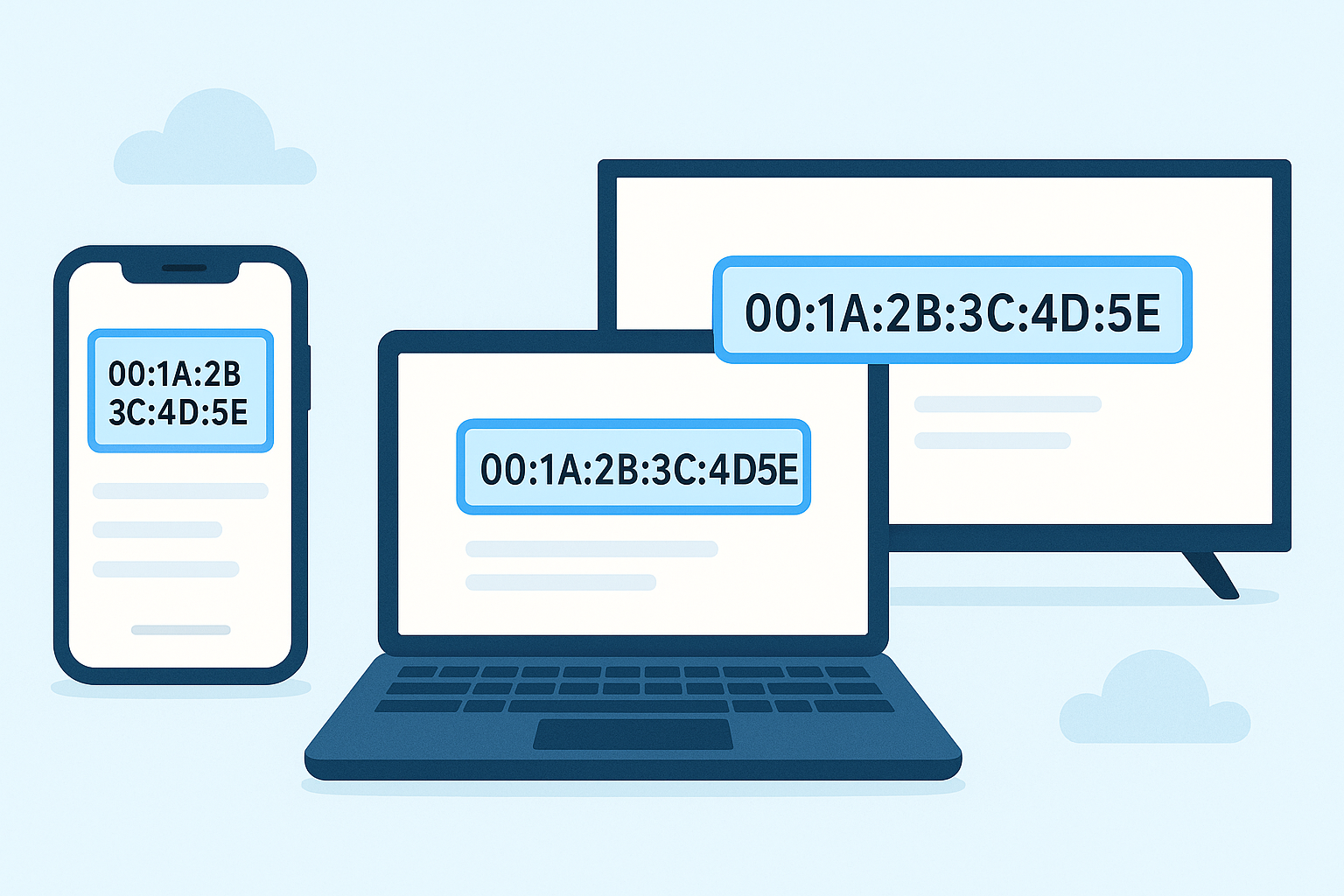
- Check MAC filtering settings on the router
Contact Support
"If issues persist, contact SkyWeb Support for personalized assistance."